
Have you ever wondered how a science fiction film was made? Is there a secret film studio on Mars? In Westeros? Unfortunately, the explanation is far from satisfying.
Fortunately for us, green screen video editing is less expensive and far more practicable than a journey to Mars. It’s so inexpensive that you might be able to utilize it on your next shoot!
Keep on reading, and you’ll find out how to make green screen videos with Flixier, a powerful online free editor tool!
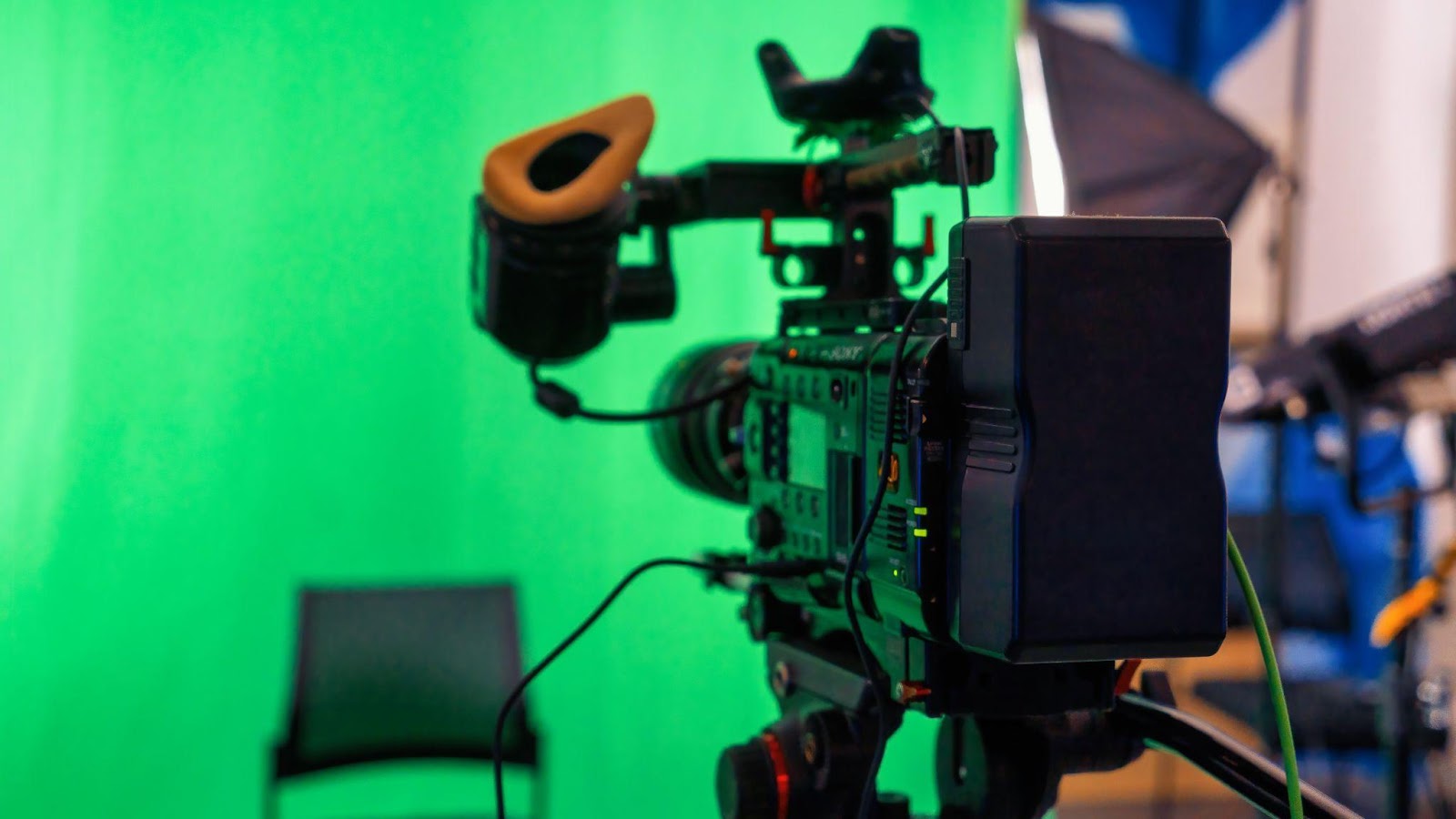
How Do Green Screens Work?
Green screen videos are most typically linked with superhero and science fiction films. However, the possibilities are genuinely limitless.
The technique of chroma keying, also known as compositing, is layering two pictures together: the subject in front of the green screen and the special effects or CGI that is projected onto the green screen.
However, chroma keying has much more practical applications than only the spectacular. Green screens are frequently used to shoot newsrooms and the weatherman/weather woman.
Chroma keying appears to be used in an increasing number of projects. Everyone is learning how to create a green screen edit, whether it’s vloggers, photographers, the video game industry, or your grandma on Zoom.
Edit Your Own Green Screen Video in Flixier!
If you’ve bought yourself a green screen but now are thinking that you don’t know how to make green screen videos and edit the backgrounds, fear not! You can now create green screen videos with the help of Flixier.
Flixier is a sophisticated online video editor that is free to use and excels at delivering a wide range of choices for video editing experts while being simple enough for the beginner who just wants to quickly create an exciting start to their videos. Here’s how you can utilize this amazing tool for free:
- Upload Your Videos
To begin, upload the video you shot in front of the green screen and the video you want to use as a background to Flixier’s gallery. Flixier is amazing since it lets you upload videos from a variety of sources. Open it in Flixier and begin, whether you have a video on your computer or one saved in your Google Drive.
- Edit Your Green Screen Video
Once your base clips have been uploaded to your Flixier gallery, drag them down to the Timeline to begin altering. Flixier excels as a free video editor by providing a wide range of editing features, such as the ability to add text, utilize chroma keys, add animations, transitions, and motion tracking. Utilize these tools to their best creative potential and investigate all the options for a captivating video.
- Export Your Video
When you’re finished, tap save and see your video come to life. Because Flixier provides industry-standard features, green screen video editing has never been faster and easier.
Start Editing Green Screen Videos Now!
After seeing how easy it is to make green screen videos using a free video editor, hop on your computer, start Flixier, and create videos that will pique the interest of viewers.
Create a free Flixier account and take use of this feature!